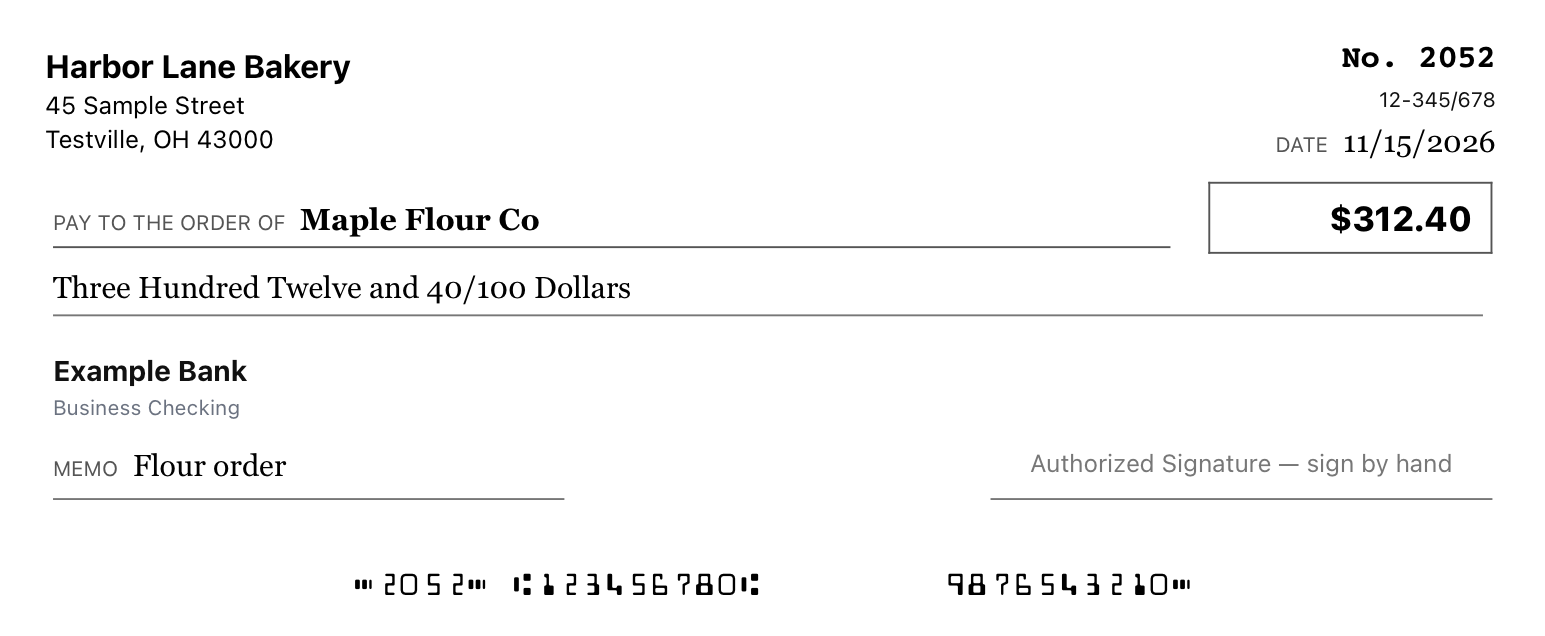
 See the sample check bigger
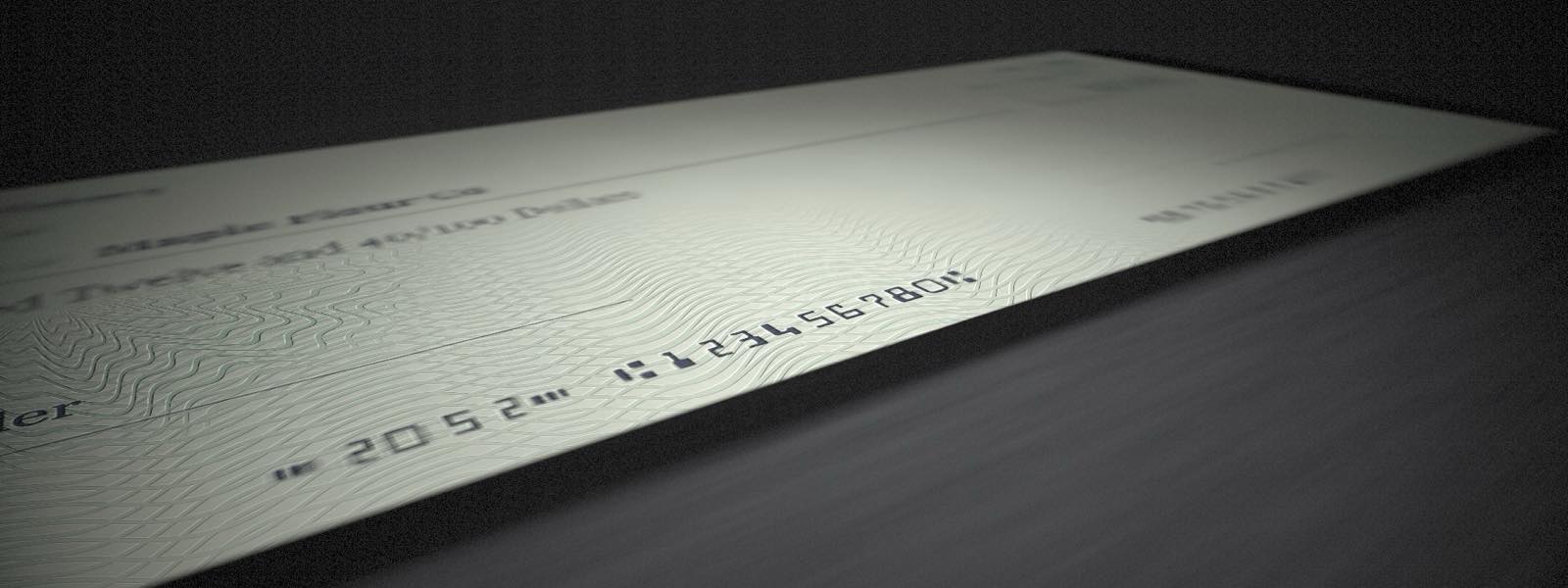
01 · The printed check
Exactly what you’ll get
The preview matches what comes off the printer, so there are no surprises.
Coming soon For iPhone and Android
Type who you’re paying and how much. CheckMate spells out the amount, lines everything up on your check stock and gets it ready to print. All that’s left is your signature.
The names and numbers on this check are made up.
How it works
It still looks and feels like a paper check. CheckMate handles the parts you’d rather not write out by hand.
Enter your name, bank, routing and account numbers, and the next number in your checkbook. Writing checks for a business and a household? Add both, and each keeps its own numbering.
Who it’s for, how much, and a memo if you like. Commas appear as you type, and the amount is written out in words for you.
Check the preview, print it on your check stock or save it as a PDF, and sign it. Once you tell CheckMate it printed fine, it’s saved to your history.
Price
No subscription and no paid tiers. Your accounts and history stay available either way.
Bought in the App Store or Google Play once the app is released. Nothing is sold on this website.
Features
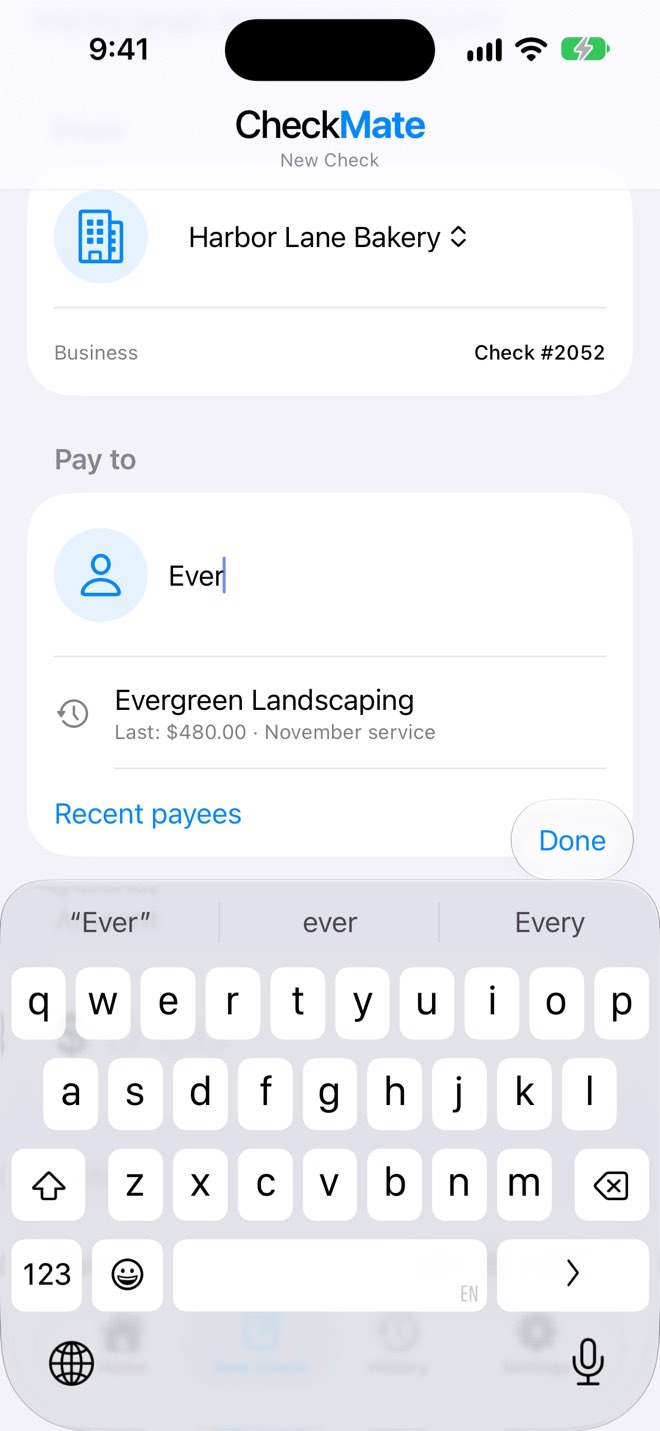
Every check you confirm goes into History. Paying the same landscaper next month? Start typing their name and CheckMate offers it, along with the last amount and memo.
Heading out and want blank checks on hand? Print one, or three to a page, with your details and check numbers already on them, then fill in the rest by hand.
Business and personal checks stay apart, and each account remembers its own next check number.
The number only moves forward after you confirm the print came out right, so a paper jam won’t cost you a check.
Also built in
Everything here is included. There are no add-ons and no paid tiers.
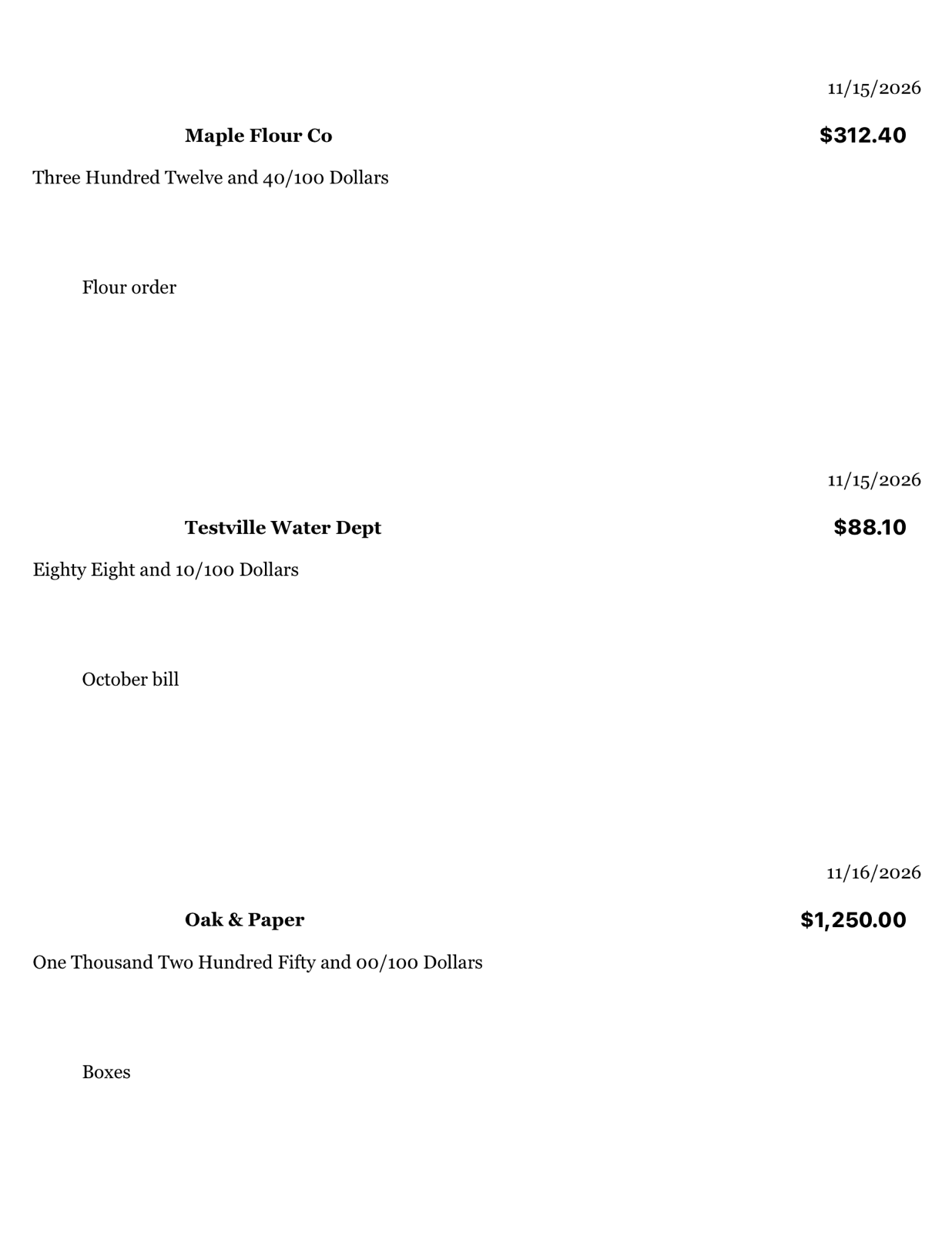
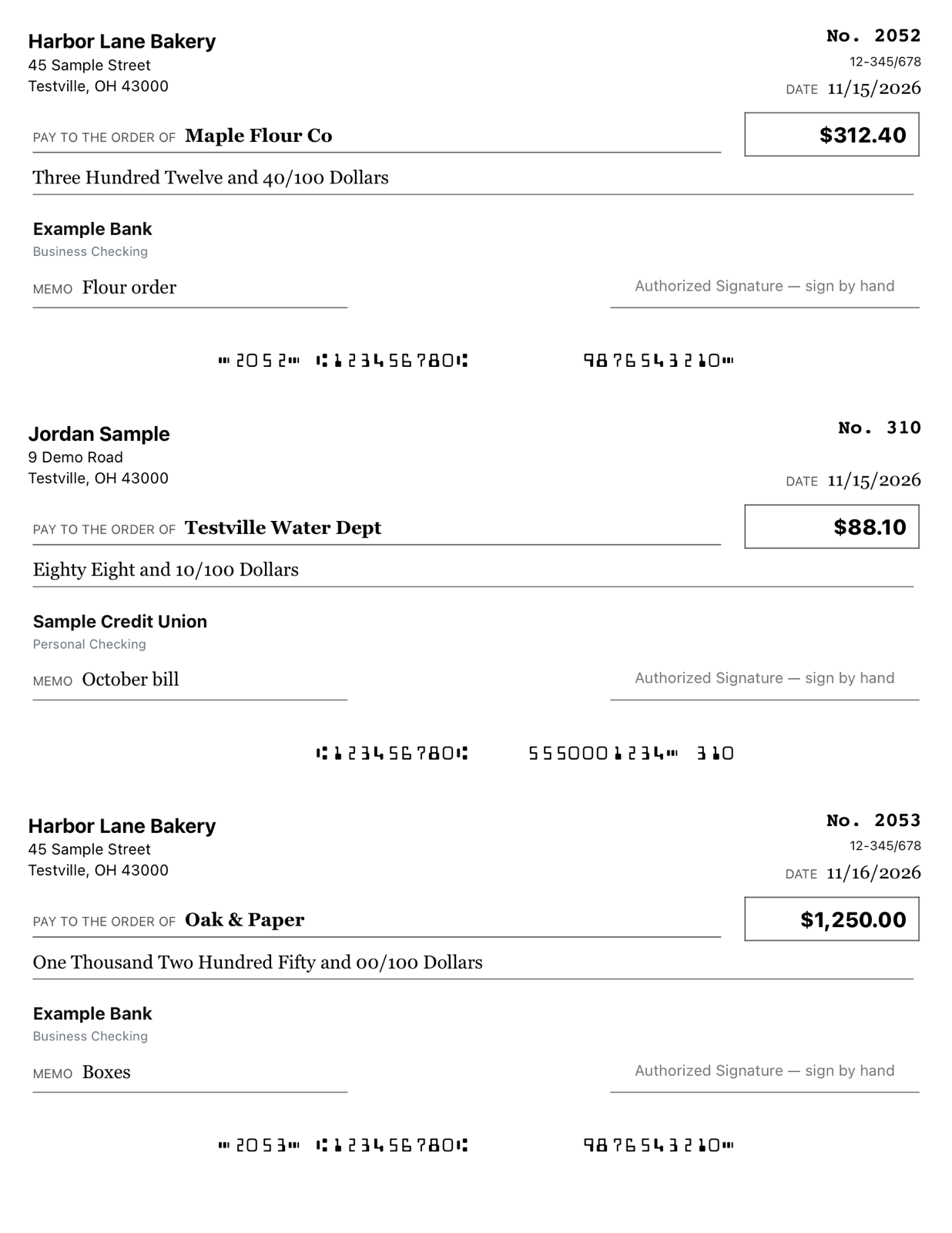 See the three-check page bigger
Line up as many as three payments, even from different accounts, and print them together on one page.
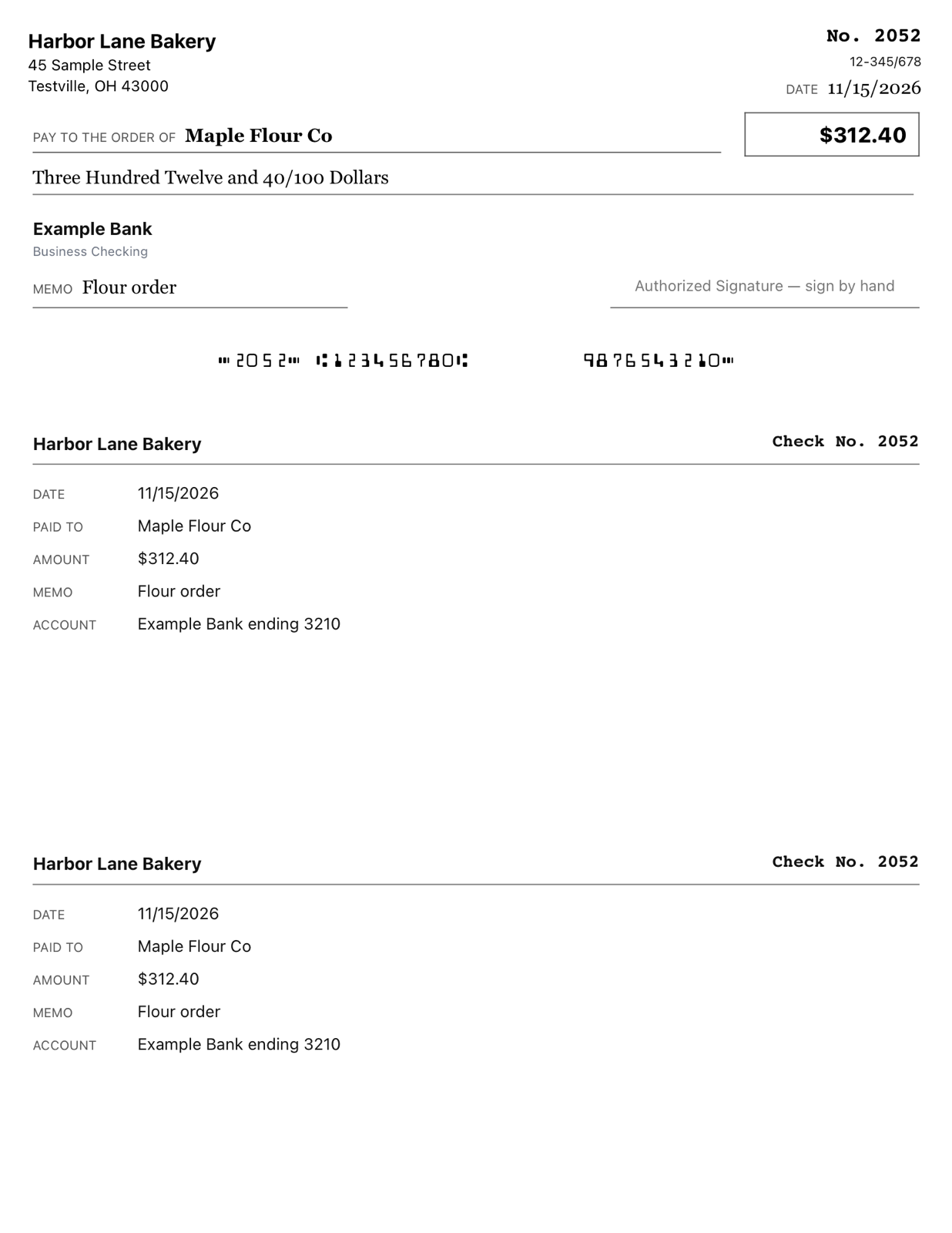 See the check-with-stubs page bigger
Using “check on top” voucher paper? Turn on stubs and the date, payee, amount and memo are repeated on both tear-off parts.
 See the bank-printed page bigger
If your checks already carry your name and numbers, CheckMate prints only the date, payee, amount and memo. Made for full-width checks on Letter sheets.
Used the first check on a sheet? Choose where the next one prints and finish the page.
Setting up direct deposit or autopay? Print a check with VOID across it, or save it as a PDF to send.
Add a small logo beside your name, and the fractional routing number if your bank uses one.
Keep a copy of any check as a Letter-size PDF that looks the same as the printed page.
Mark a check void and it stays in History with its number. Export your checks for a spreadsheet, QuickBooks or Quicken.
Ask for Face ID, your fingerprint or your phone’s passcode each time CheckMate opens. It’s off until you turn it on.
A closer look
From the screen where you type the details to the check that comes out of your printer. Tap any picture to see it bigger.
See the sample check bigger
01 · The printed check
The preview matches what comes off the printer, so there are no surprises.
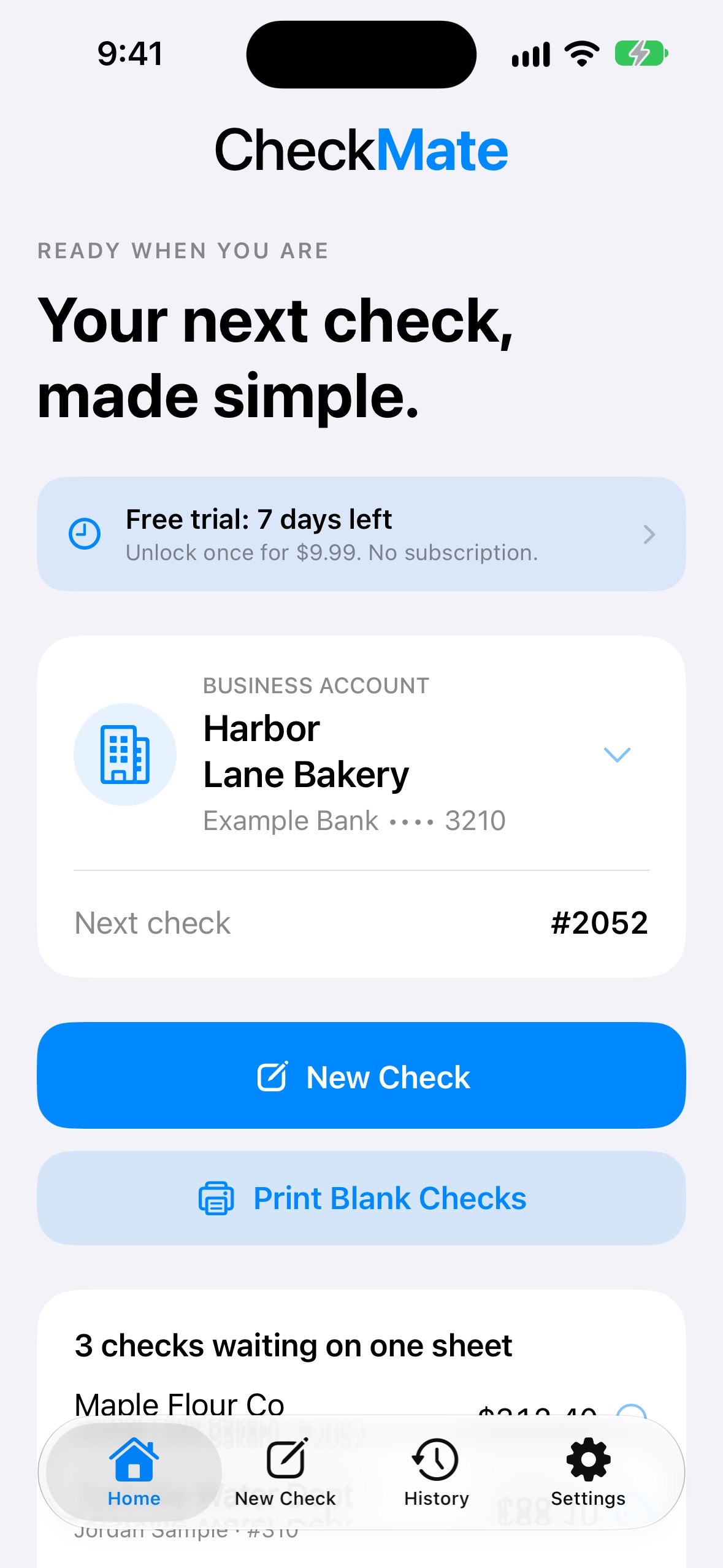 See the Home screen bigger
02 · Home
Pick an account, start a check, or print the sheet you’ve lined up.
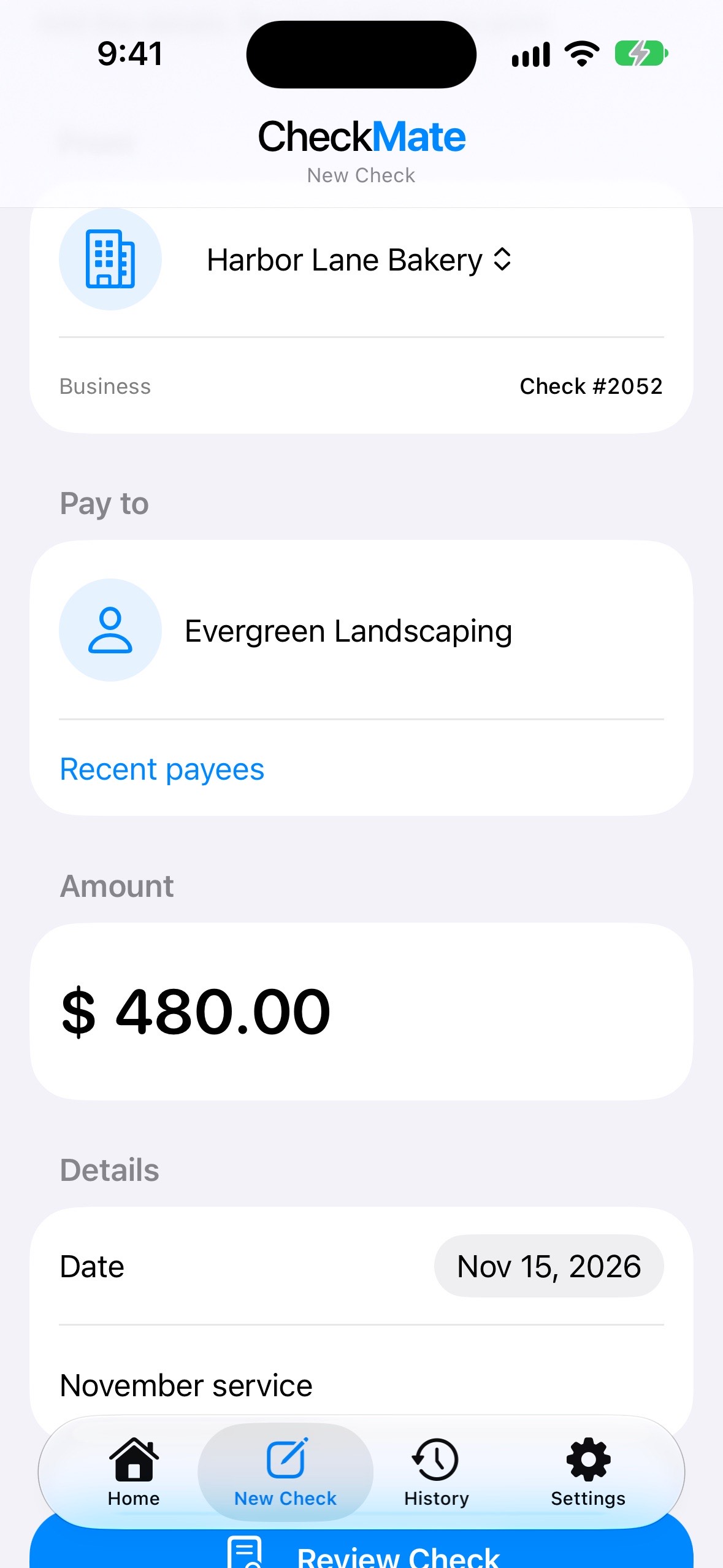 See the New Check screen bigger
03 · Filling it in
Payee, amount, date and memo, laid out the way you’re used to.
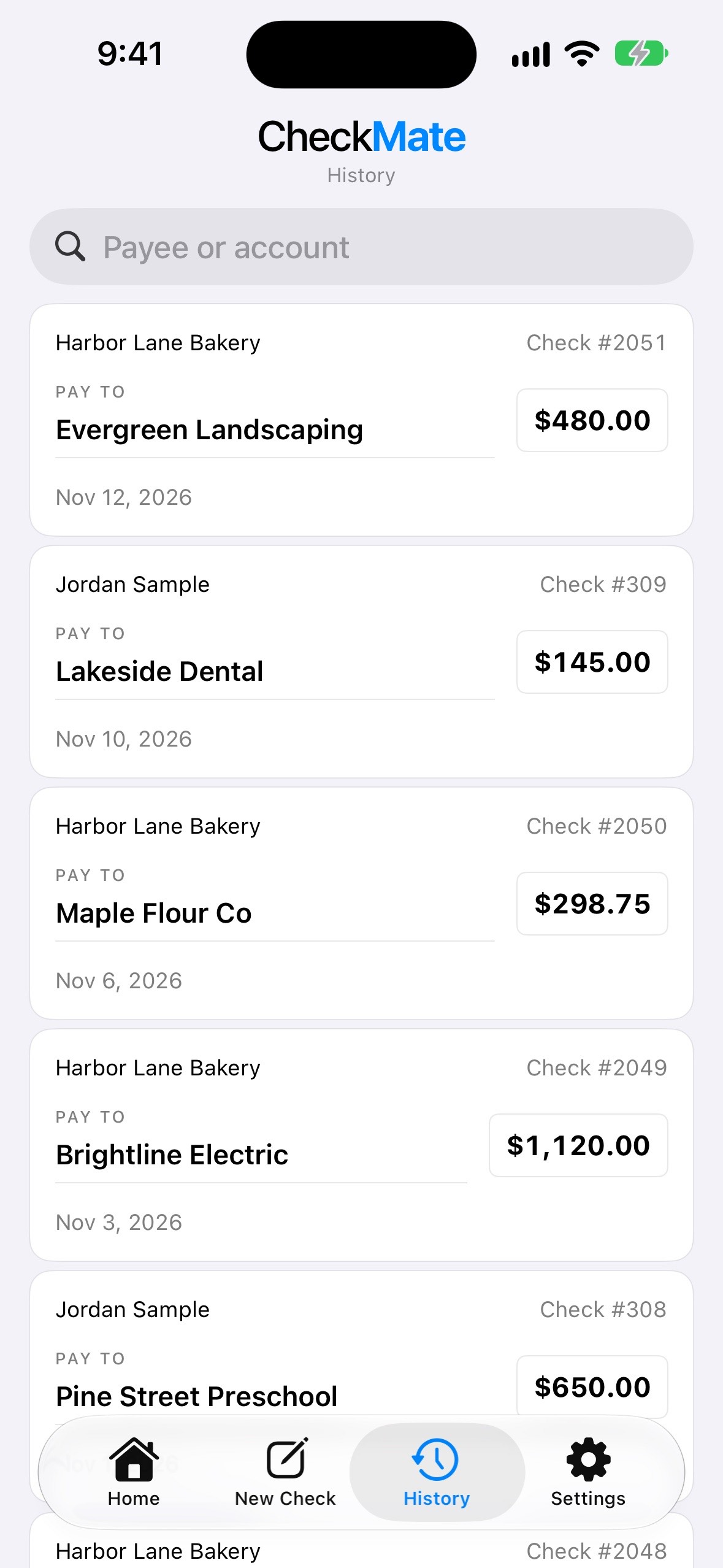 See the History screen bigger
04 · History
Search by payee or account, and mark a check void if it never went out.
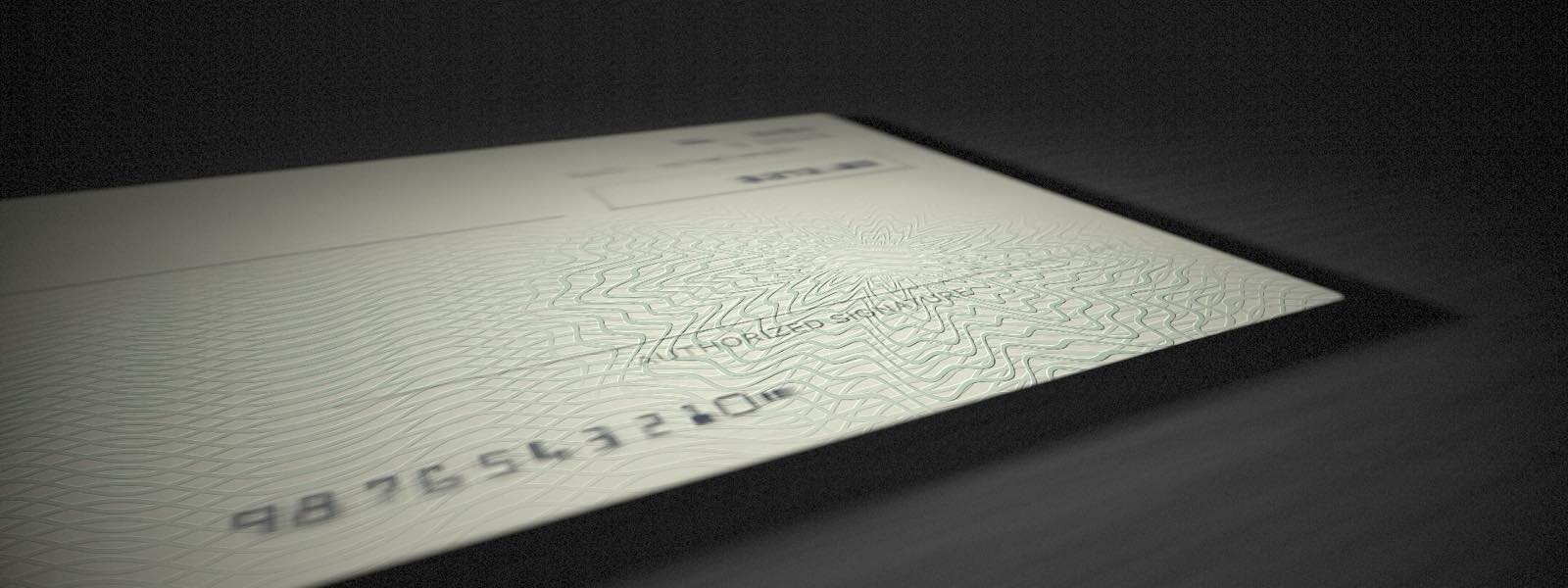
Every name and number in these pictures is made up. The pale green stands in for check stock; the real security background comes from the paper you buy.
Privacy
Your bank details are yours. SudsPoint LLC doesn’t run a server that receives your check or bank information.
Read the full privacy policyYour accounts, history and print settings live in the app itself. There’s no CheckMate account to create and no bank to sign in to.
The apps don’t include advertising or third-party analytics, and this website doesn’t use analytics or ad cookies either.
You can export a backup and restore it later, on the same phone or a new one. The file contains your full account details and isn’t encrypted, so keep it somewhere safe.
Before you print
Check paper and a printer your phone can already print to. CheckMate uses US Letter paper: blank check stock with one check or three to a page, voucher paper with stubs, or full-width checks your bank printed. Small personal checks torn from a checkbook aren’t supported. Do a test print on plain paper first to check the alignment, and ask your bank if they have any requirements for the magnetic (MICR) ink or toner used on the bottom line.
No. You type in your account details yourself. CheckMate only prepares and prints checks. It doesn’t move money, look up your balance or act as a bank.
No, that comes from the preprinted check stock you buy. CheckMate prints your details and the bank numbers along the bottom. Whether a bank accepts a particular check is always up to the bank.
Yes. Add business and personal accounts and switch between them whenever you like. Each one keeps its own check numbers.
You can export your check history as a spreadsheet file (CSV), as a three-column file laid out for QuickBooks Online’s bank upload, or as a QIF file for Quicken and similar programs. CheckMate doesn’t connect to those services itself; you import the file there.
CheckMate is free to try for 7 days. After that, a one-time $9.99 purchase keeps printing unlocked for good. There’s no subscription, and your accounts and history stay available either way. The purchase is made in the App Store or Google Play once the app is released; nothing is sold through this website.
CheckMate is coming soon to iPhone and Android. Have a question in the meantime? We’d love to hear from you.
Email us